Updated June 26, 2026
Rekey vs. replace your locks: which do you need?
After moving into a new place, a breakup, or losing track of a key, you have two ways to take back control of who can get in: rekey the locks or replace them. Here is the plain-language difference and how to choose.
Key facts
- Rekeying keeps your existing locks and makes every old key stop working.
- Replacing swaps the hardware entirely, for upgrades or damaged locks.
- Rekeying is usually faster and cheaper when your locks are in good shape.
What rekeying is
Rekeying changes the internal pins of your existing lock so it works with a brand new key and every old key stops working. The hardware on your door stays the same. It is the fast, affordable move after a move-in, a tenant turnover, or losing a key, and several locks can be rekeyed to a single new key.
When to replace instead
Replacement makes sense when the lock itself is the problem or when you want something different.
- The lock is worn, sticking, or damaged beyond a simple repair.
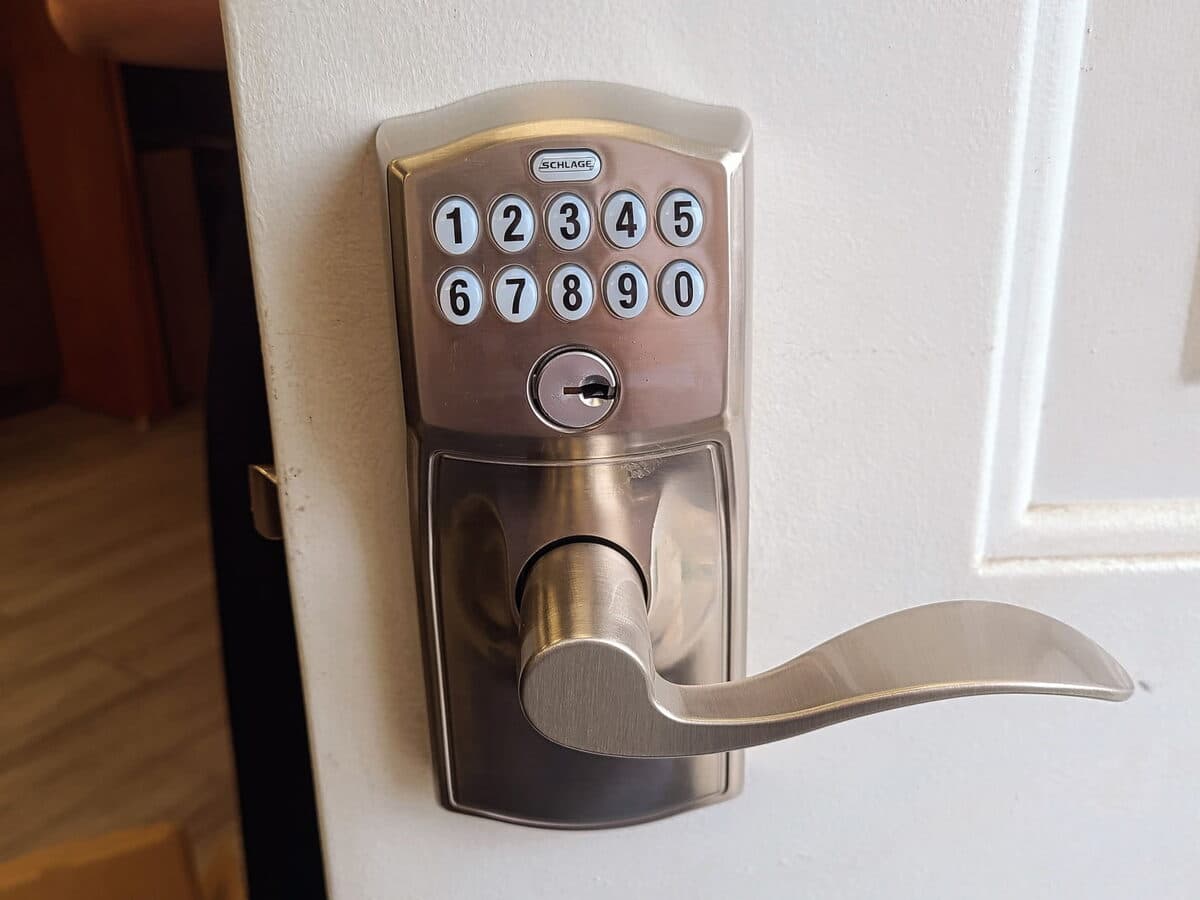
- You want a security upgrade, like a high-security or smart lock.
- You are changing the hardware style or finish.
- The existing lock cannot be rekeyed.
Which is right for you
Just moved in and the locks are in good shape? Rekey. Lock sticking or failing? Repair or replace. Want keyless entry? Replace with a smart lock. Several doors? Rekey them to one key so you carry less.
Related services
Good to know
Frequently asked questions
Is rekeying cheaper than replacing?
Usually, if your locks are in good shape, because you keep the existing hardware. We will tell you honestly when replacement is the better value.
Can you rekey all my doors to one key?
Yes, as long as the locks are compatible. We can rekey them to a single key so you no longer juggle several.